Automate Your Export Documents in Minutes
Create one Master Job and instantly generate 33+ compliant Exim documents. Smart data appending means zero re-keying and zero mismatched paperwork.
From blank job to signed PDF in three steps.
- 01
Create a Master Job
Enter buyer, seller, ports, goods and trade terms once. It becomes the single source of truth for the entire shipment.
- 02
Auto-fill 33+ documents
Add any document and it pre-fills from the Master Job. Push a Quotation straight into an Invoice or Bill of Lading — no double-entry.
- 03
Export & share
Download print-ready PDFs or send tokenised buyer review links. Edits in the Master ripple through every linked document.
Start free. Upgrade when you need more.
Create your account and start with the free plan — no card, no commitment. Paid plans are there when you outgrow it.
See Eximium in action.
Follow the full workflow — from your jobs dashboard to a finished, print-ready document.
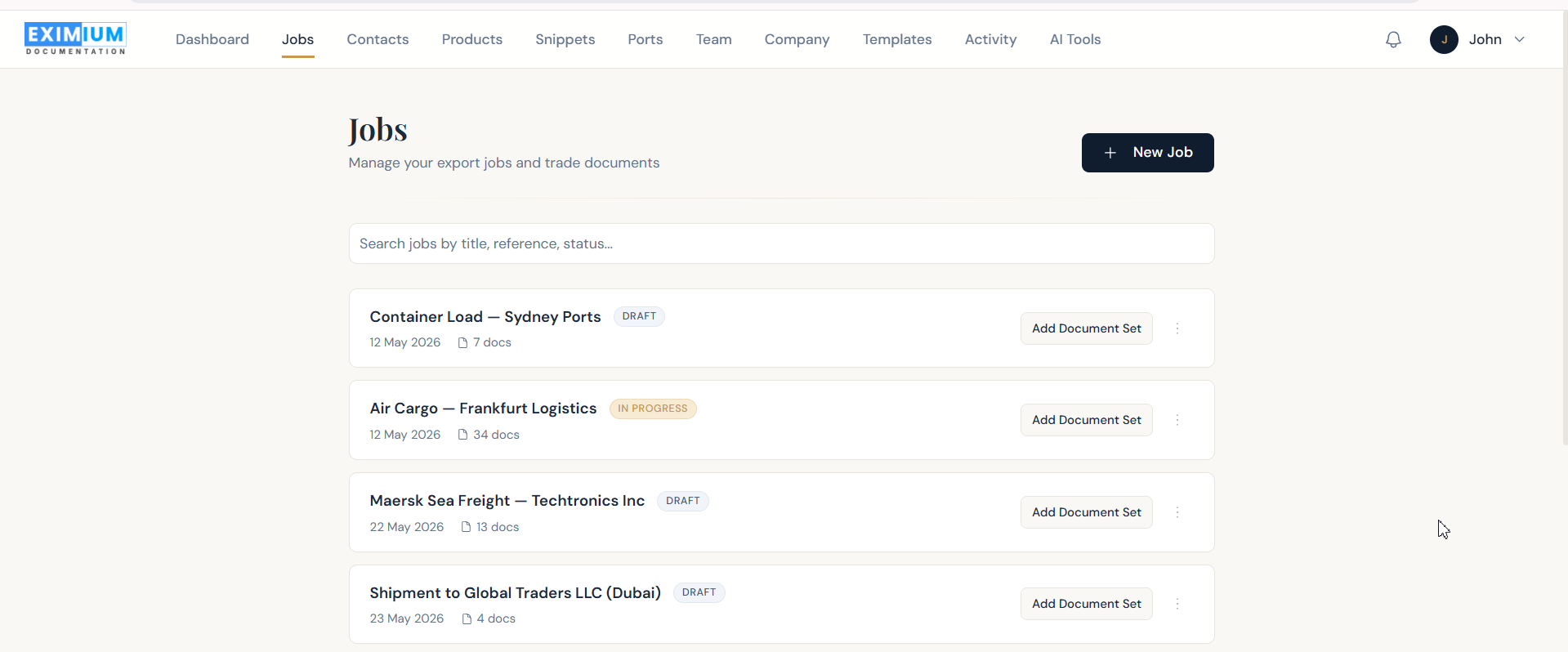
Swipe the screenshot to explore →
33+ export documents, in smart folders.
Quotation, Proforma & Commercial Invoice, Packing Lists, Certificates of Origin, CMR notes and more — filter by folder.
- Invoices & Financial
- Transport & Shipping
- Packing Lists
- Certificates & Origin
- Declarations & Regulatory